Why the cosmic-comp + Noctalia combo is the ultimate Linux desktop setup

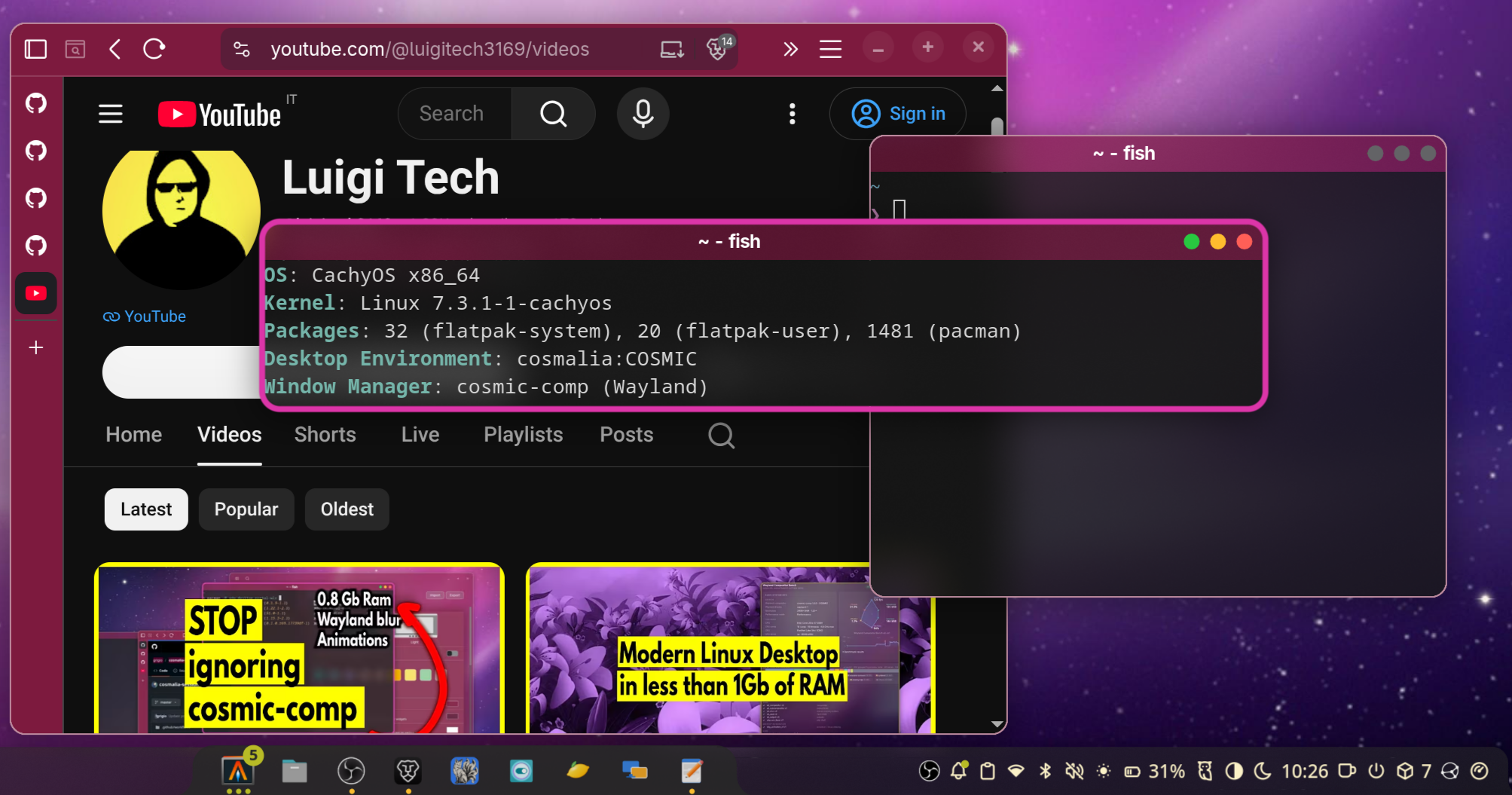
Many users are accustomed to heavy-duty desktop environments like GNOME or KDE. However,
there are minimal Linux desktop alternatives that can deliver the same high-quality
experience but with better optimization tailored to your specific needs.
RAM Consumption and Minimalism
In an era where RAM consumption is often overlooked, minimalism remains crucial. Whether you are working on older hardware or using a machine dedicated to intensive tasks like Artificial Intelligence, every megabyte saved is a boost to overall system performance and stability.

Why not use the full COSMIC Desktop?
While the full COSMIC Desktop (https://github.com/pop-os/cosmic-desktop) (by System76)
is a powerful environment, it includes many bundled applications that you might not
actually need if you already have your own preferred workflow and tools. By decoupling
the compositor from the full desktop suite, you gain control without the bloat.

The Power of cosmic-comp Hybrid Tiling
cosmic-comp (https://github.com/pop-os/cosmic-comp) is the core Wayland compositor of the COSMIC project. Its standout feature is its hybrid tiling capability.
Unlike tiling Wayland Compositors like Hyprland, Sway, Umbriel which are strictly focused on tiling, or ultra-minimalist options like Labwc that may lack polished animations and transparencies, cosmic-comp allows you to switch seamlessly between floating and tiling window management with a single shortcut. This gives you the best of both worlds: the precision of tiling and the flexibility of traditional window management.
Umbriel from Noctalia team do not work well in old computer (in my tests) and floating mode is available but it's a second class citizen compared to the cosmic-comp approch (you can't change mode with one shortcut and many config in TOML file are tiling specific)
The Elegance of Noctalia
To turn this compositor into a complete, polished desktop, you need a shell. This is
where Noctalia (https://github.com/noctalia-dev/noctalia) shines.
Noctalia is a native Wayland desktop shell designed for users who want a professional,
cohesive experience without the "Frankenstein" feeling of stitching together separate
bars, launchers, and notification daemons.
Key features of Noctalia include:
- Unified Shell: Provides a consistent UI for bars, widgets, docks, launchers, and the
control center. - Zero Bloat: Built directly on Wayland and OpenGL ES with no Qt or GTK dependencies,
ensuring it remains incredibly lightweight. - Deep Integration: Includes everything from a wallpaper picker and lock screen to
clipboard history and desktop widgets. - High Customizability: Uses TOML configuration with hot-reloading, allowing you to
tweak your environment on the fly.
cosmic-settings: The Finishing Touch
While not strictly mandatory, having a graphical interface to configure the colors and
features of cosmic-comp is highly convenient. It provides a user-friendly way to manage
your compositor's behavior, even if you aren't running the full COSMIC Desktop suite.
The Perfect Balance
By combining cosmic-comp for superior window management and Noctalia for a polished,
lightweight shell, you create a desktop that is:
- Extremely fast and RAM-efficient.
- Visually consistent and professional.
- Highly flexible (Hybrid tiling + custom shell components).
- Tailored to you, without the unnecessary overhead of a full desktop environment.