Is systemd bloat real ? Dinit vs Systemd: Which Session Uses Less Memory with Labwc?

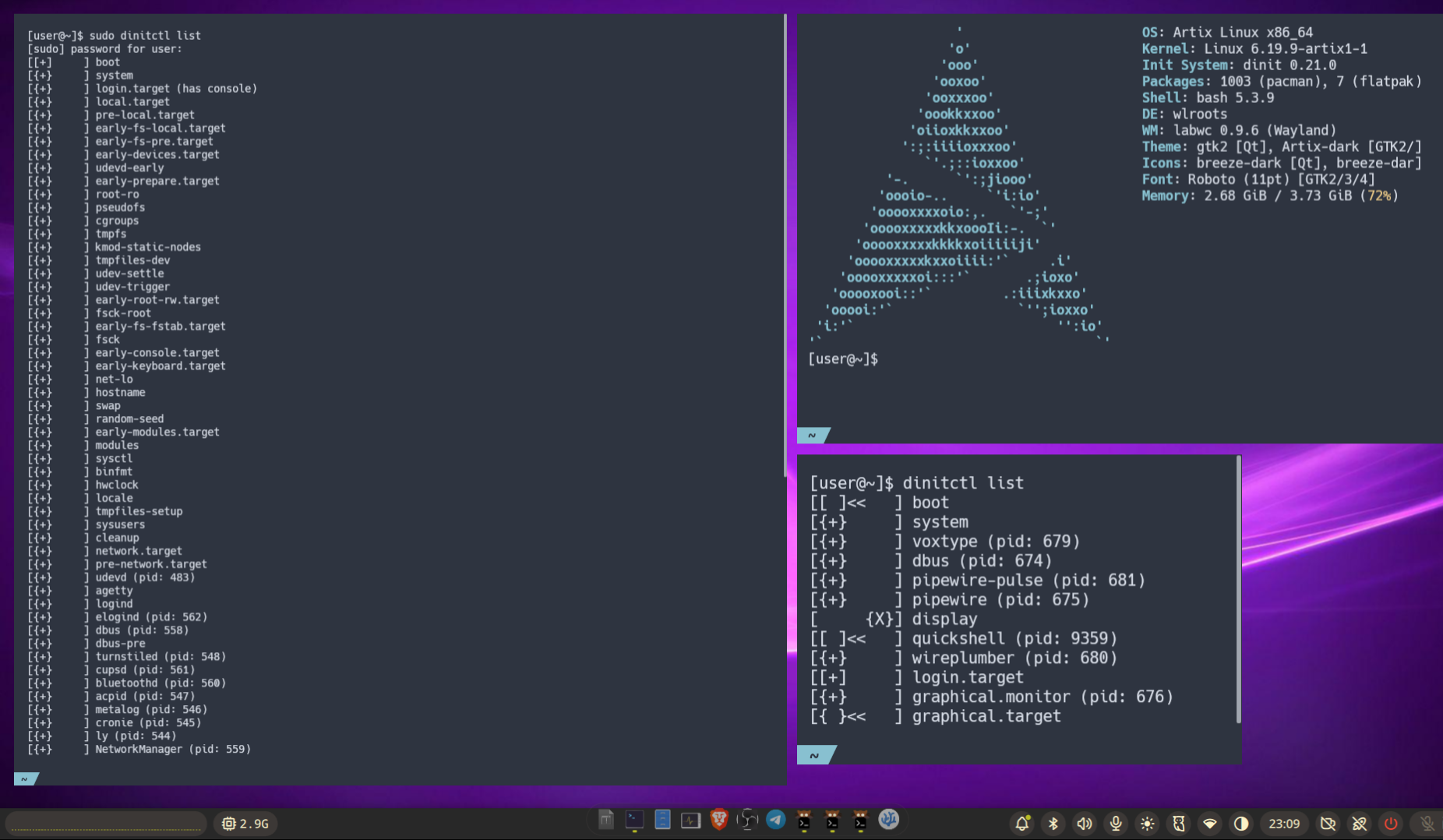
SystemD hate is real in the Linux world: age-verification precedent #40954, it is often associated with bloatware, many mature linux technologies are slowly replaced with systemd-* and the mainstream linux distros accept these new standard de-facto, GNOME 50 basically can only start with systemd as init system..
Okay, some critics are definitely over the top. I mean, people who actually remember life before systemd, it really did make things easier for sysadmins and power users. But it's sad that some people got left behind because of systemd or Wayland. At the same time, keeping different standards and architectures around could slow down development and add a lot of complexity. Systemd-freedom and systemd-only are really two sides of the same coin.
So, I decided to put dinit and systemd head-to-head to see which one actually uses less memory when running Labwc, a Wayland compositor. Using very similar user services. The results surprised me.
The Numbers
Here's what I found when I checked the total memory usage (RSS) in each session:
| Session | Total Memory |
|---|---|
| Dinit | 1,117 MB |
| Systemd | 999 MB |
| Systemd actually won this round, using about 118 MB less memory than dinit. But here's the twist: systemd runs way more background services. So how does that add up to less memory? Let me break it down. |
What's Eating Your RAM
The Heaviest Processes
| Process | Dinit | Systemd |
|---|---|---|
| qs (noctalia-shell) | 455 MB | 391 MB |
| kgx | 200 MB | 112 MB |
| voxtype | 165 MB | 46 MB |
| labwc | 76 MB | 76 MB |
| The main reason dinit uses more memory is that it runs heavier versions of kgx and voxtype. Systemd runs lighter versions of these same tools, which more than makes up for the extra services it starts. |
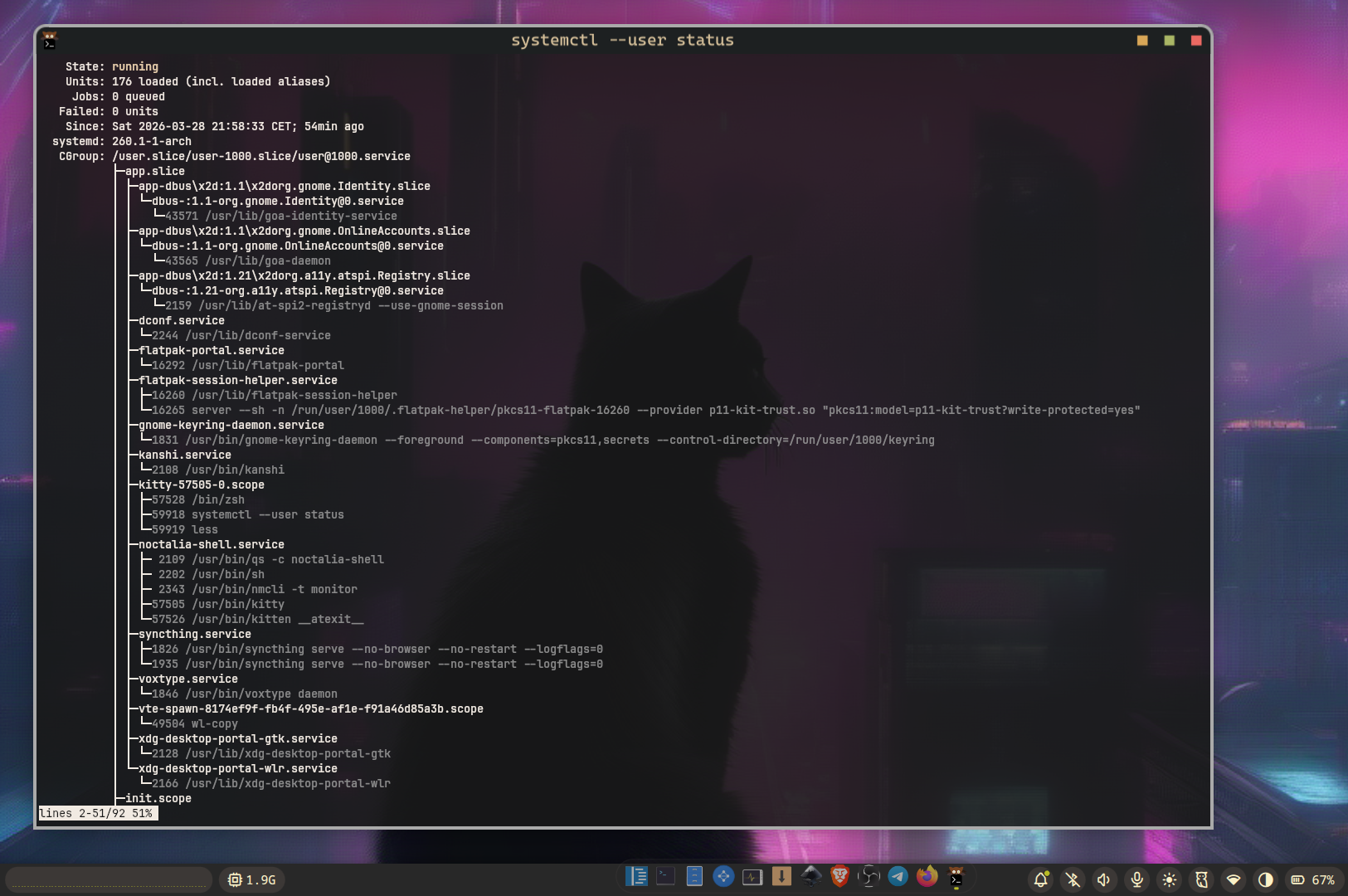
What Systemd Runs That Dinit Doesn't
Here's what's running in the systemd session that dinit leaves out:
- syncthing (two copies) - 81 MB - this is the big one
- avahi-daemon - 4.5 MB - network discovery stuff
- colord - 15 MB - color management
- gnome-keyring-daemon - 10 MB - GNOME's keyring storage
- nmcli monitor - 9 MB - network manager
- gdm-wayland-session - that GDM wrapper thing
- Multiple dbus-brokers - extra DBus overhead
Most of these you can probably live without, especially on a standalone desktop without all the GNOME bells and whistles.
What Dinit Runs That Systemd Doesn't
- flatpak-portal - 19 MB
- flatpak-session-helper - 8 MB
- dinit-monitor - session monitoring
- turnstiled - door permission service
So Which One Should You Use?
If you're chasing the lowest memory usage, systemd actually comes out ahead here. But here's the thing: you could get even better results with systemd by turning off a few services you don't need.
Here's what I'd suggest to cut down systemd's memory footprint even more:
- Disable avahi-daemon if you don't need network discovery
- Turn off colord unless you're doing color-sensitive work
- Don't let syncthing start automatically in your session
- Consider using a single dbus-daemon instead of multiple dbus-brokers
At the end of the day, both session managers work fine with Labwc. The difference is about 100 MB, which isn't huge. But if you're running on limited RAM, every little bit helps.